A WordPress plugin that provides blocks and block variations for rendering post properties, term properties, and meta fields directly in the block editor and on the front end. Per Egil Roksvaag is the owner of this plugin and responsible for maintenance and support.
Reason Why
WordPress ships with a set of post blocks (core/post-title, core/post-excerpt, core/post-featured-image, etc.) and a similar set of term blocks (core/term-name, core/term-description, core/term-archive-link, etc.). Use these core blocks whenever they cover your needs.
However, there are some cases where the core blocks fall short and you need enhanced features for displaying post, term or meta data:
Meta fields — Display registered post or term meta fields.
Additional properties — Show post and term properties not covered by core blocks, e.g. post type, post status or taxonomy name.
Display a post’s terms — Show term properties related to the current post in a term query loop or a single post template.
Display a term’s posts — Show post properties related to the current term in a term query loop or a single term template.
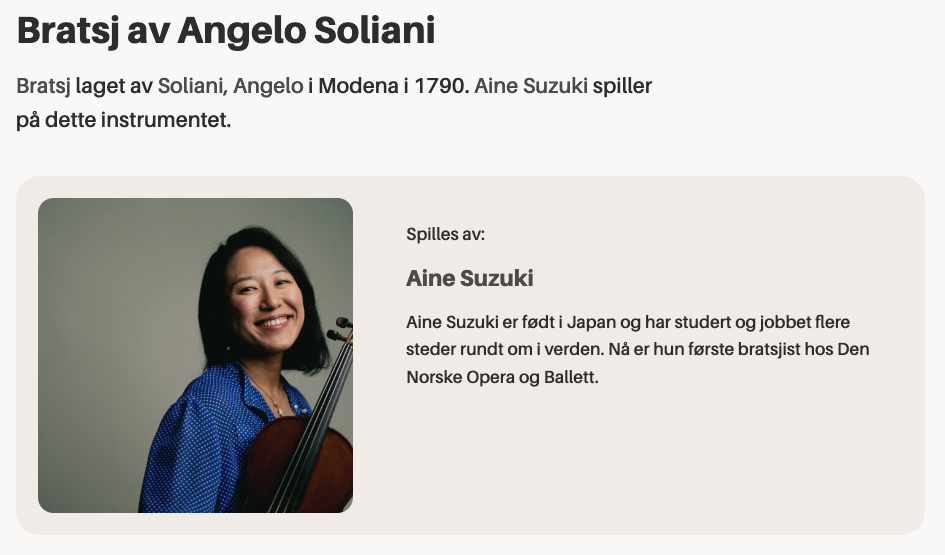
Post or term buttons — Render a post, term or meta field as a core button with dynamic text and link.
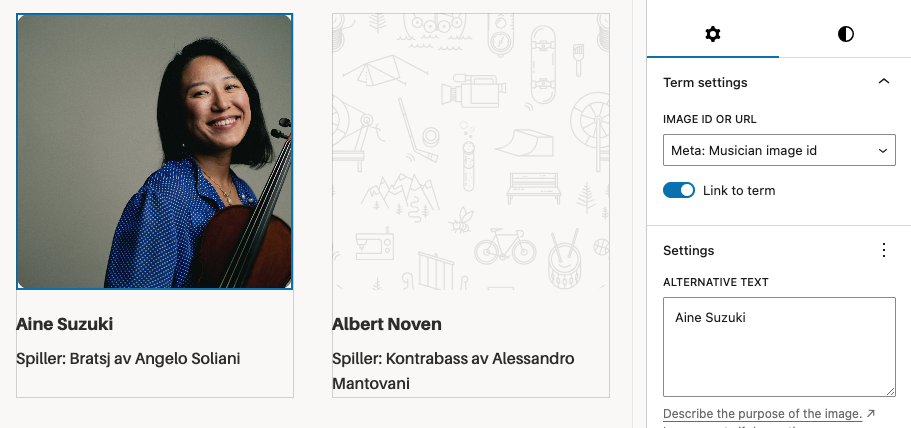
Post or term images — Render a post, term or meta field as a core image. In contrast to the core featured image block, it can display a fallback image when no featured image is set.
Filters and hooks — Backend and editor hooks for displaying custom properties or modifying the output.
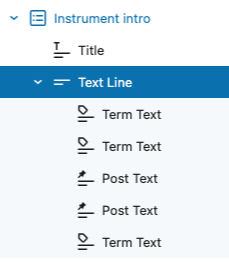
This plugin also provides a Text Group helper block for combining multiple post or term properties into a single line of text. Inside the group, you can use the included Inline Text block to insert static text or separators between the dynamic properties.
Blocks and Variations
dekode-library/post-property-text
Renders a single post property — title, excerpt, date, author, type, status, slug, link, featured image ID, or any meta field — as text. Supports prefix, suffix, separator, tag name, text alignment, and optional linking to the post. Server-side rendered.
dekode-library/term-property-text
Renders a single term property — name, description, archive link, slug, ID, count, taxonomy name, or any meta field — as text. Supports prefix, suffix, separator, tag name, text alignment, and optional linking to the term archive. Server-side rendered.
dekode-library/text-group
A layout container block for grouping multiple text property blocks. Supports inline and block layouts with configurable gap. Inner inline-text blocks can be nested freely within the group.
core/button — Post Property and Term Property variations
Two variations of the core Button block that replace button text and the link URL with a resolved post or term property. The button text and link are rewritten server-side via WP_HTML_Tag_Processor, preserving all block markup and editor styles.
core/image — Post Property and Term Property variations
Two variations of the core Image block that replace the image source with a resolved post or term property (e.g. featured_media or a meta URL field). Server-side rendered.
Lorem ipsum dolor sit amet, consectetur adipiscing elit. Etiam cursus consequat enim, eu rhoncus nibh. Praesent tempor ex elit, eget finibus nibh maximus ac. Donec vehicula ultrices augue, ac efficitur tortor.
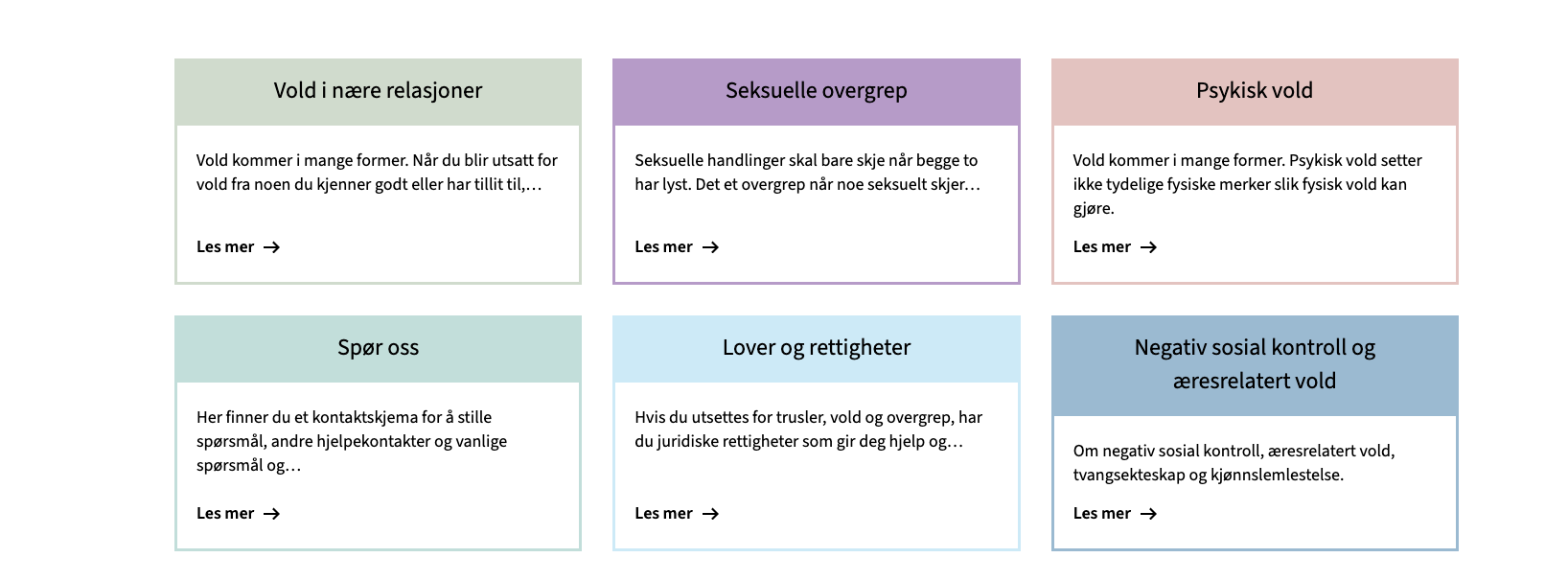
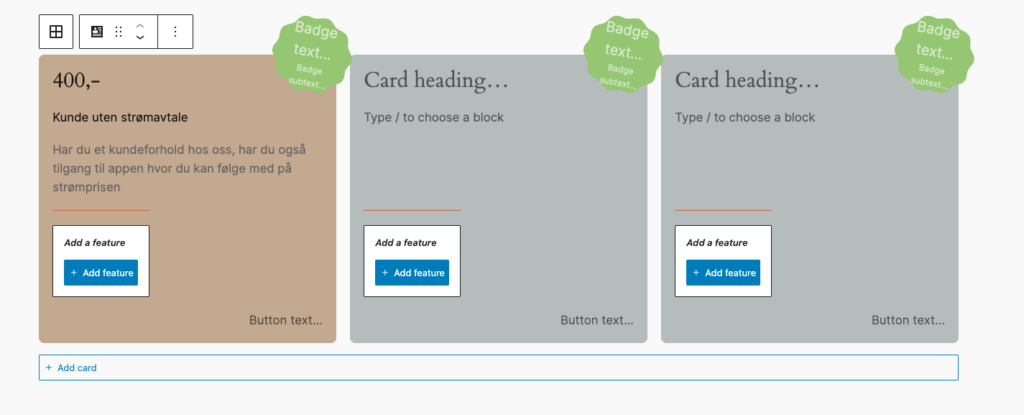
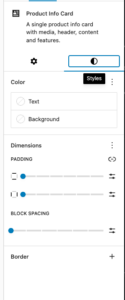
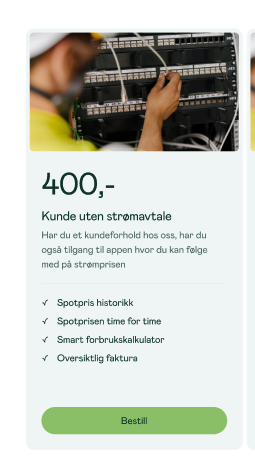
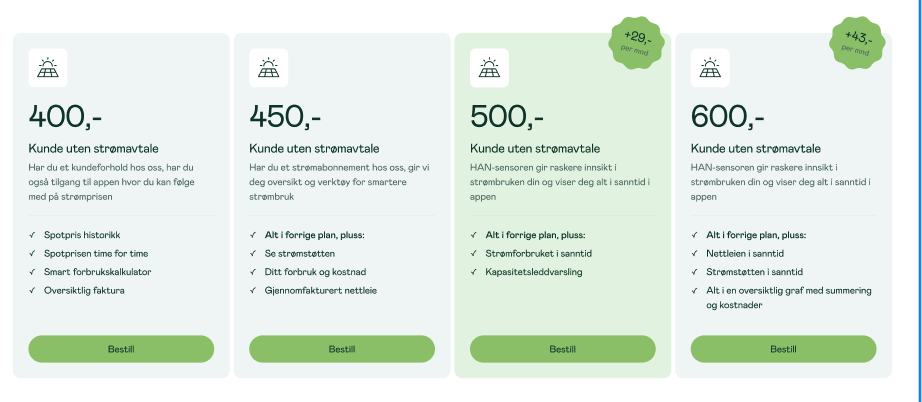
Cards allow set custom colors, support for native blogGap, and custom Featured card color per card.
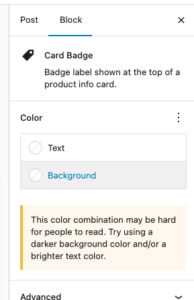
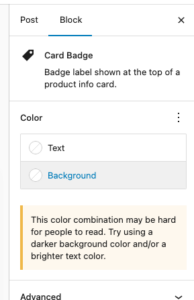
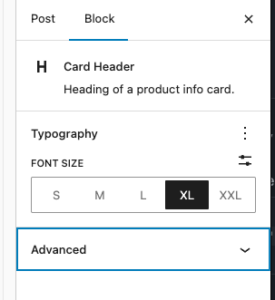
Each element suport many of native controls form wordpress, e.g You’re able to change badge color using native bg select.
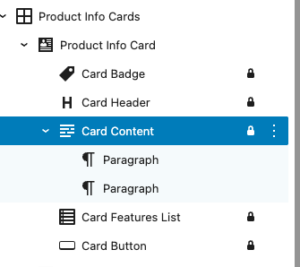
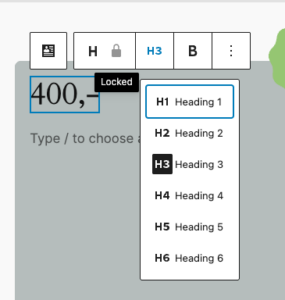
Each element in card is an inner locked block which allows easy override for block and hooking into it in case it is needed.
Editor
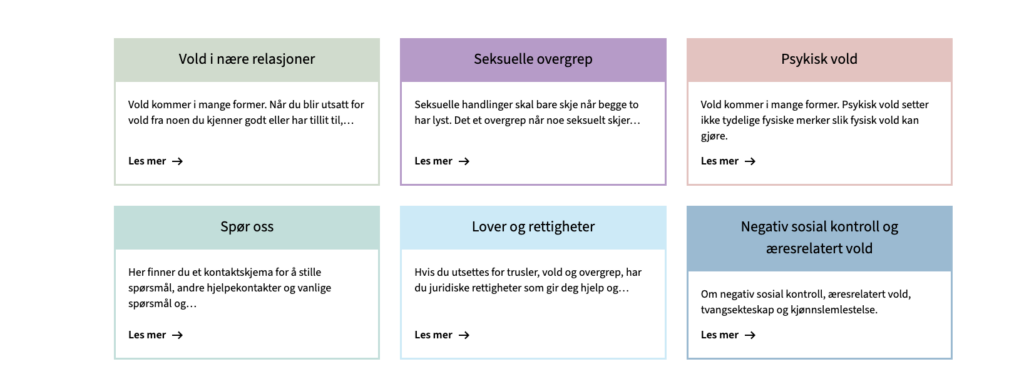
Design in Neas
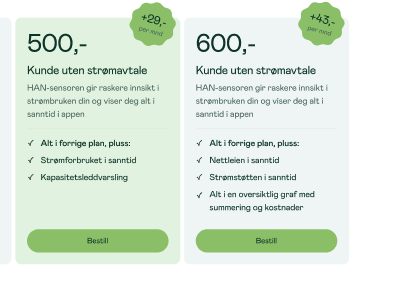
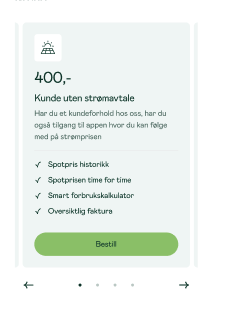
Mobile carousel: At viewport widths ≤ 640 px the grid automatically becomes a Swiper carousel — one card visible at a time with pagination dots and prev/next arrows. The carousel is initialised on DOMContentLoaded and re-evaluated on window resize (debounced 150 ms): it is destroyed when the viewport exceeds 640 px and re-created when it drops back below. Requires at least 2 cards in the block. Swiper parameters can be customised via the dekode-library/product-info-cards/swiper-config PHP filter.
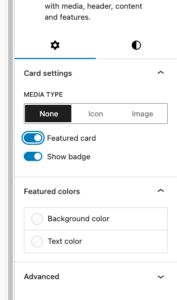
Featured card toggle with custom background/text colour
Media type selector: none | image(icon reserved for future use)
The features can be show/hidden and adjust using library.json
dekode-library/product-info-cards
Key
Type
Default
Description
layout.defaultColumns
number
3
Initial column count applied on first block insertion
layout.columns
number[]
[1,2,3,4]
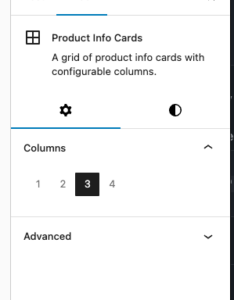
Which column options appear in the inspector
dekode-library/product-info-card
Key
Type
Default
Description
features.allowBadge
boolean
true
Show the badge toggle in the inspector. When false the badge sub-block is never inserted
features.featuredColors
boolean
true
Show the Featured colours panel in the inspector
features.mediaType
string[]
["none","icon","image"]
Restrict available media type options. A single-item array forces that type silently on first insertion
layout.imageSize
string
"large"
WordPress image size used when rendering the card media image. Any registered size name is accepted (e.g. "medium", "full", "my_custom_size"). Can be further overridden by the dekode-library/product-info-cards/card-media/image/size PHP filter
layout.iconSize
number
32
Size in pixels for the card media icon (T2 icon). Can be further overridden by the dekode-library/product-info-cards/card-media/icon/size PHP filter
settings.colors.featuredBackgroundColor
string | object
null
Default featured background. Plain string (hex/css), or { "color": "#hex" } / { "slug": "preset-slug" }
settings.colors.featuredTextColor
string | object
null
Default featured text colour. Same format as above
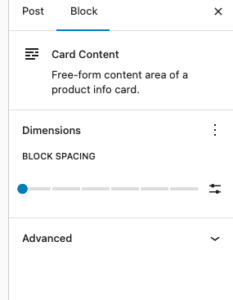
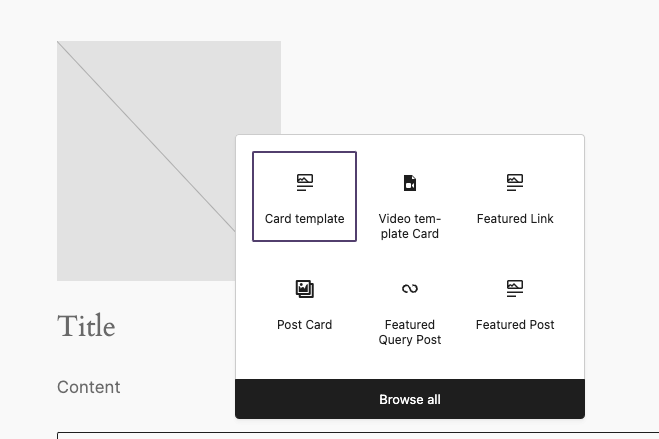
A simple card wrapper that allow to add custom content inside a card. The idea is to simplify the process of creating a card block with a predefined layout.
By default, the block block does not have any styling.