Simple blocs to toggle visibility of content.
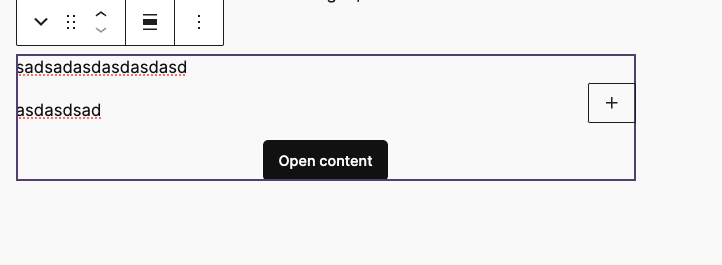
Block example:
Lorem ipsum dolor sit amet, consectetur adipiscing elit. Etiam cursus consequat enim, eu rhoncus nibh. Praesent tempor ex elit, eget finibus nibh maximus ac. Donec vehicula ultrices augue, ac efficitur tortor.

T2 Facta
The block is slightly different.
Facta
Lorem ipsum dolor sit amet, consectetur adipiscing elit. Etiam cursus consequat enim, eu rhoncus nibh. Praesent tempor ex elit, eget finibus nibh maximus ac. Donec vehicula ultrices augue, ac efficitur tortor.
Lorem ipsum dolor sit amet, consectetur adipiscing elit. Etiam cursus consequat enim, eu rhoncus nibh. Praesent tempor ex elit, eget finibus nibh maximus ac. Donec vehicula ultrices augue, ac efficitur tortor.
Features
– Toggle visibility of content blocks
– Accordion style toggles
– Customizable toggle labels
– Accsessible and keyboard-navigable
– Supports library.json config (see example below).
– Auto variation registration via Dekode Library Config.
– Anchor support.
library.json example
	"dekode-library/toggle-blocks": {
		"settings": {
			"allowedInnerBlocks": ["core/paragraph", "core/image", "core/heading", "core/list"],
			"template": [["core/image", {}]],
			"templateLock": false
		},
		"variations": {
			"tester": {
				"name": "mega-tester",
				"title": "Mega toggler",
				"icon": "media-video",
				"description": "A mega slide.",
				"settings": {
					"allowedInnerBlocks": ["core/image", "core/paragraph", "core/list"],
					"template": [["core/image", {}], ["core/list", {}]],
					"templateLock": true
				},
				"attributes": {
					"togglePlacement": "top"
				}
			}
		}
	}
Leave a Reply