Tag: dynamic

  • Query block extended

    Query block extended

    There is no dedicated time for this. So I did it in spare time …
    So sorry for any issue, please report in gitHub any issue if find.

    All elements supports interactivity navigation.

    Styling is really basics just to have something, and cover at least plug-in solutions.

    NOTE: Filters relation is AND

    Key features

    • Search
    • Clear filters –
      • It also fetch the core button regsitered styles and apply to button (outline is buggy in backed due to how WP handles it)
    • Taxonomy filters
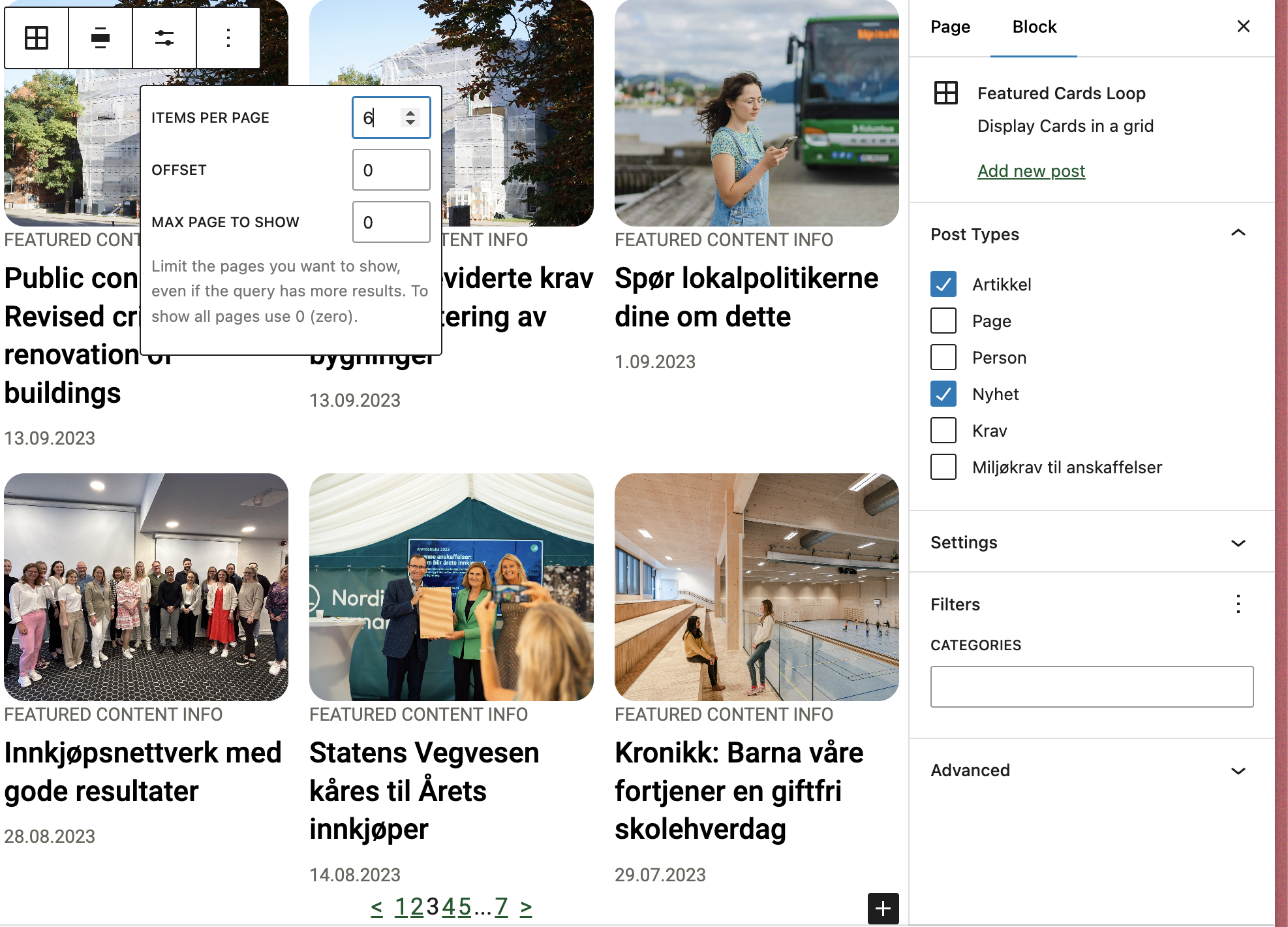
      • WP Query block setting aware! – If you select some filtered categories in query it will pick only one that are selected!
    • Order
    • Author
    • Load more
      • Button load more
        • It also fetch the core button regsitered styles and apply to button (outline is buggy in backed due to how WP handles it)
      • Infinity load more
    • Chips
    • Mobile collapse per filers/group filters
    • Post type – Require Library extension to support multi-post type for query block.
    • Native Interactivity API usage – so may not work with custom query block but works with WP core query.

    Multiple way to display filters

    • Dropdown
    • Radio
    • Checkbox
    • Multiselect

    Filter

    Filter can display taxonomies, post type, author and order filter.

    IMPORTANT: Block will automatically fetch available taxonomy and terms (frontend)based on the current query!

    Filter is a single interactive element which allows to build UI as you want.

    Taxonomies loads all taxonomies from currently selected post type in the query.

    The filters type:

    • Taxonomy
      • Dropdown
      • Radio (Vertical/horizontal)
      • Checkbox (Vertical/horizontal)
      • Native multiselect – to allow hook any favorite JS here.
    • Order
    • Author
    • Post Type – in case of multi-post type library extension usage.

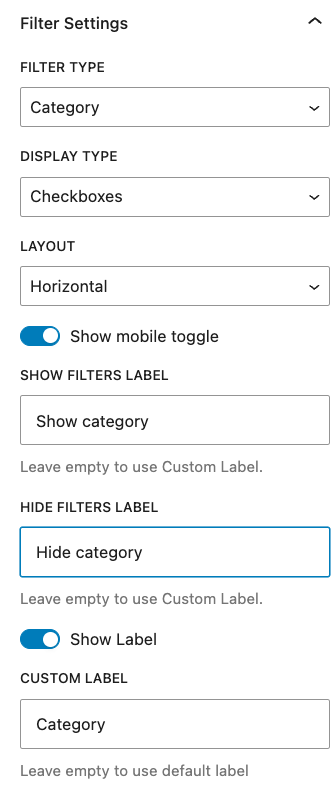
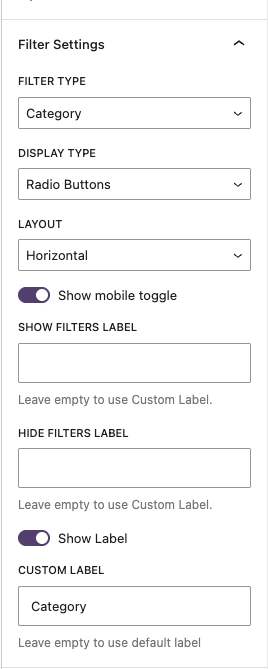
    When added it asks to select filer which could be done in sidebar

    The filter in Radio/Checkbox mode can have mobile toggle filter – this is for hide/close the filter to not take too much space

    Editor:
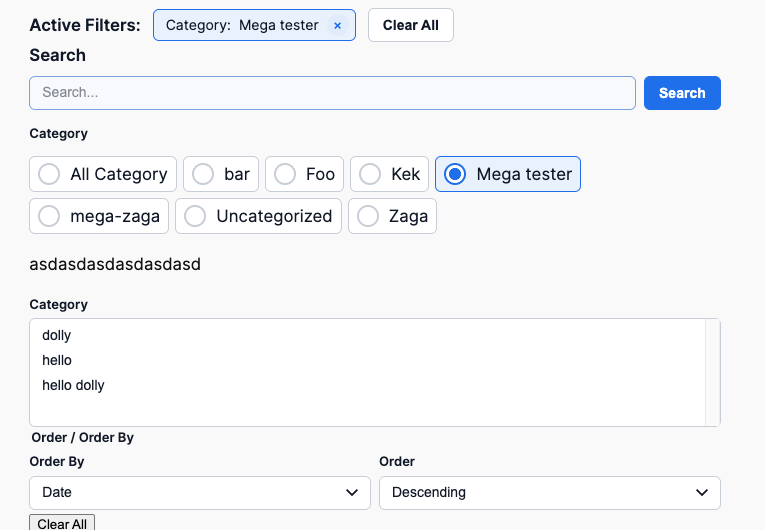
    Basic frontend:

    Cehckbox
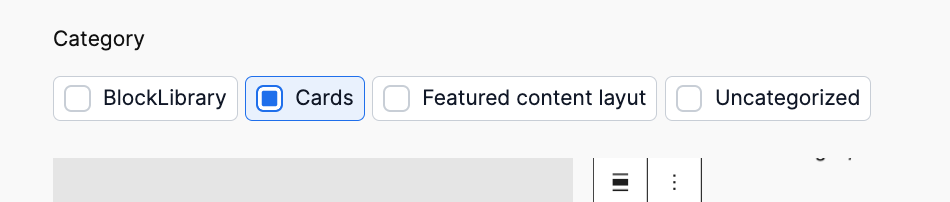
    Radio:

    Dropdown:

    Multiselect:

    Filters

    This block allows to add inner block:

    • Query Single filter
    • Query Clear filters
    • Query Chips
    • Query Search
    • Core filters count
    • Core paragraph
    • Core Heading

    The purpose is to allow grouping the filters to have one global collapse on mobile
    Chips

    Show currently applied filters

    Each element has class type of taxonomy/data-type so can be easy styled per taxonomy or type.

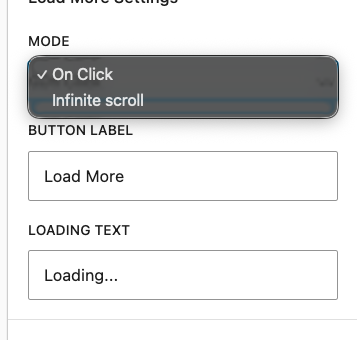
    Load more/Infinity load

    This block should not be used with pagination block! Remove it if exists!
    Adds load more functionality. Not there is no align settings for button – sorry ๐Ÿ˜€

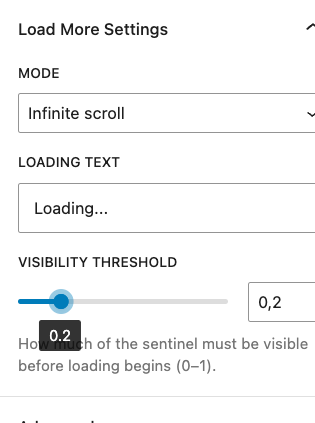
    Infinity load has option for treshold load
    Search

    Custom search for query to make it work and don’t realy on standard search – intentionally to not create any side effects.


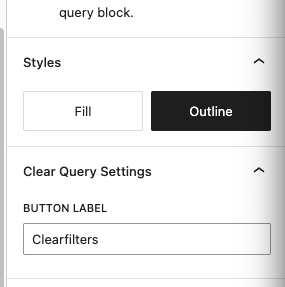
    Clear filters

    Adds button to clear filters -visible only when there are filters applied.

    Example usage


    The filters
    18 results found
    Order / Order By

  • Toggle block

    Toggle block

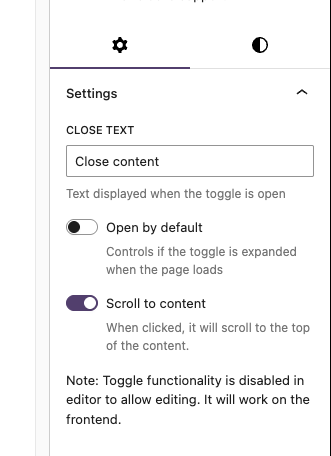
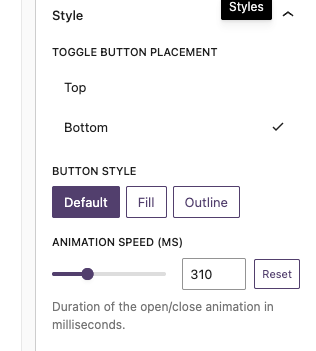
    Simple blocs to toggle visibility of content.

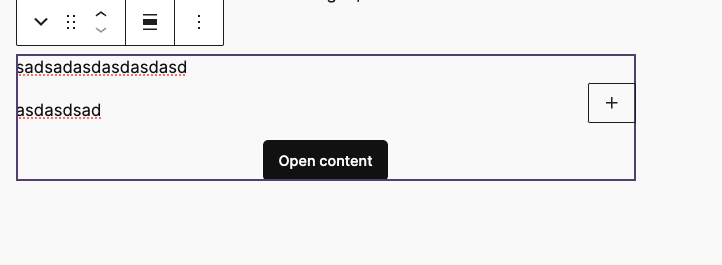
    Block example:

    T2 Facta

    The block is slightly different.

    Facta

    Lorem ipsum dolor sit amet, consectetur adipiscing elit. Etiam cursus consequat enim, eu rhoncus nibh. Praesent tempor ex elit, eget finibus nibh maximus ac. Donec vehicula ultrices augue, ac efficitur tortor.

    Lorem ipsum dolor sit amet, consectetur adipiscing elit. Etiam cursus consequat enim, eu rhoncus nibh. Praesent tempor ex elit, eget finibus nibh maximus ac. Donec vehicula ultrices augue, ac efficitur tortor.

    Features

    For up to date details see https://github.com/DekodeInteraktiv/dekode-library/tree/main/library/dekode-toggle-blocks

    – T2 icons for open close

    "dekode-library/toggle-blocks": {
    	"icons": {
    		"open": "chevronDown",
    		"close": "chevronUp"
    	},
    	"iconPosition": "right"
    }

    – Custom open/close events for tracking :

    • dekode/toggle:open
    • dekode/toggle:close
    document.addEventListener('dekode/toggle:open', (e) => {
        gtag('event', 'toggle_open', {
            toggle_id: e.detail.blockId,
            toggle_label: e.detail.label,
        });
    });
    
    document.addEventListener('dekode/toggle:close', (e) => {
        gtag('event', 'toggle_close', {
            toggle_id: e.detail.blockId,
            toggle_label: e.detail.label,
       

    – Toggle visibility of content blocks

    – Accordion style toggles

    – Customizable toggle labels

    – Accsessible and keyboard-navigable

    – Supports library.json config (see example below).

    – Auto variation registration via Dekode Library Config.

    – Anchor support.

    – Accesibility and keyboard navigation support.

    library.json example

    	"dekode-library/toggle-blocks": {
    		"settings": {
    			"allowedInnerBlocks": ["core/paragraph", "core/image", "core/heading", "core/list"],
    			"template": [["core/image", {}]],
    			"templateLock": false
    		},
    		"variations": {
    			"tester": {
    				"name": "mega-tester",
    				"title": "Mega toggler",
    				"icon": "media-video",
    				"description": "A mega slide.",
    				"settings": {
    					"allowedInnerBlocks": ["core/image", "core/paragraph", "core/list"],
    					"template": [["core/image", {}], ["core/list", {}]],
    					"templateLock": true
    				},
    				"attributes": {
    					"togglePlacement": "top"
    				}
    			}
    		}
    	}

  • Carousel wrapper

    Carousel wrapper

    Basic example

    A wrapper block to make an easy carousel with your desired inner blocks. It will make a wrapper block, a slide block and then you can choose the innerblock. It will automatically add swiper pagination and navigation. The navigation buttons is the t2 chevron left and right.

    Note: This is a very barebone style block, and you will need to style it yourself. It will just generate the functionality.

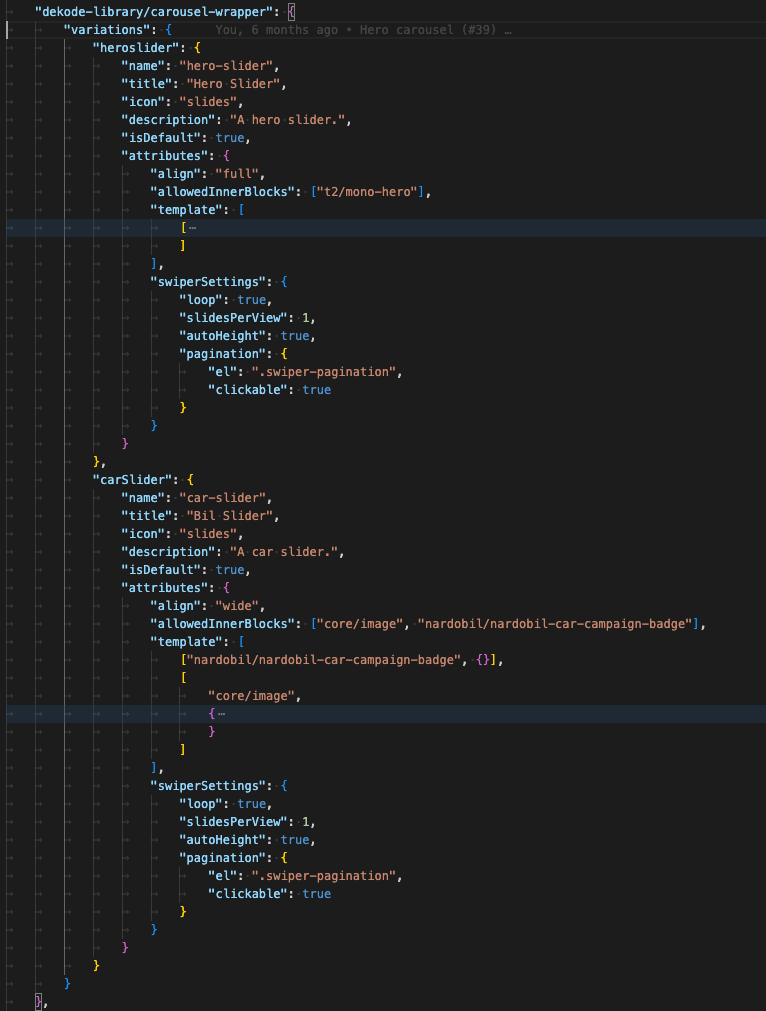
    Define in your theme.json what inner blocks you want to allow and what the default template should be. If you want multiple carousels with different innerblocks you can create a blockVariation, and define the values in the carousel-wrapper block attributes.

    Everything you define in the block attributes will override the theme.json settings.

    The UX

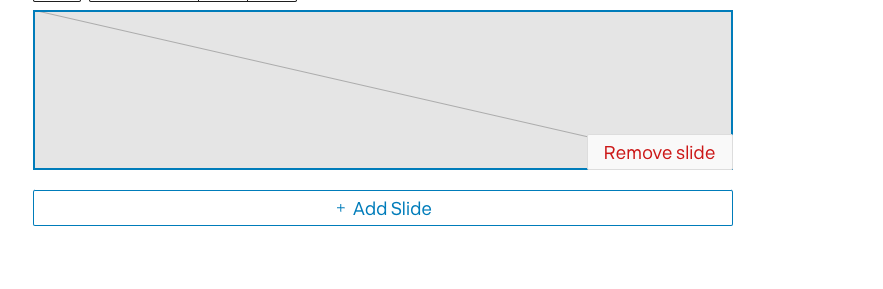
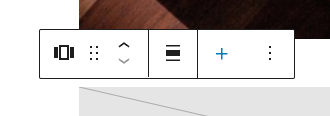
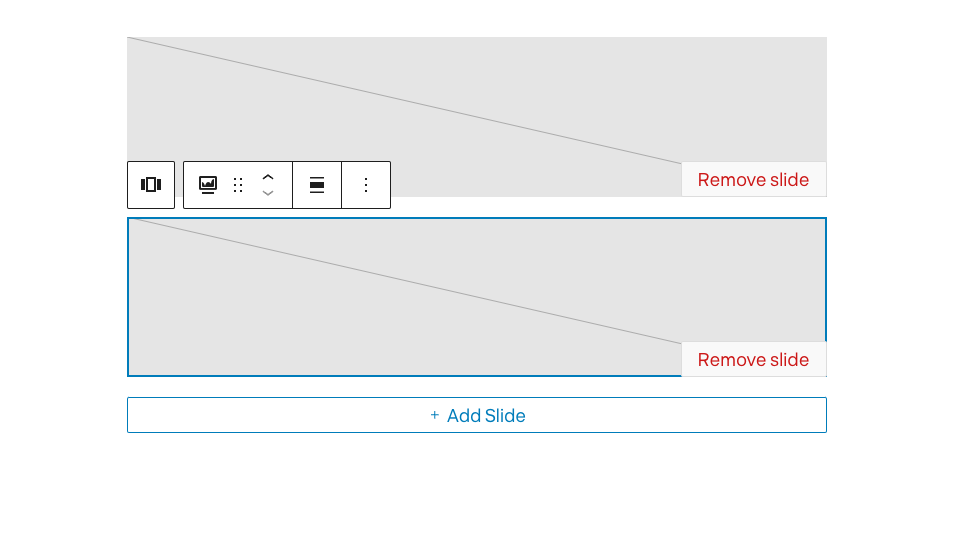
    UI is simply optimized to show add/remove slide when focused.

    The wrapper has easy to access ADD next slide button

    Carousel only when focused will show the all slides.

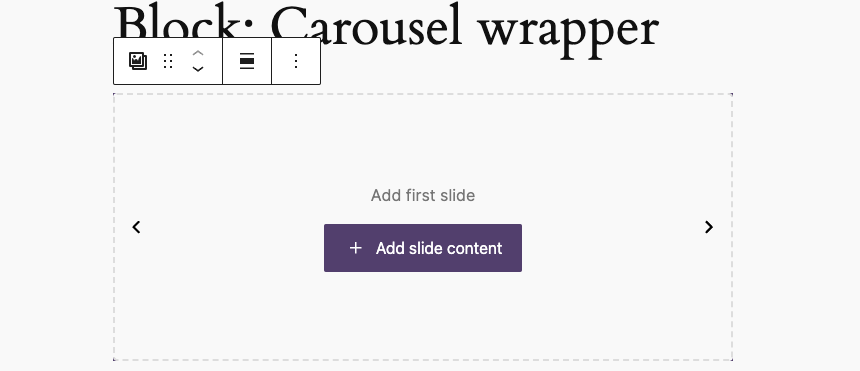
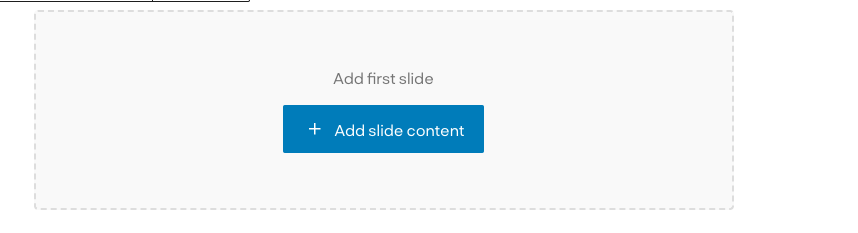
    When no slides are available there is a screen to add first slide:

    Variations

    The carousel support register variation from theme.json.

    Each variation can have it’s own unique features/settings.

    Each variation will have extra class to hook styling.

    This way you can have multiple unqie sliders on one page using single block.

    The variation’s settings are read from library.json not from attributes, which make it easy to change later if there is need to.