A WordPress plugin for discovering, configuring, and enforcing Content-Security-Policy headers. Built for WordPress 6.4+ and PHP 8.1+.
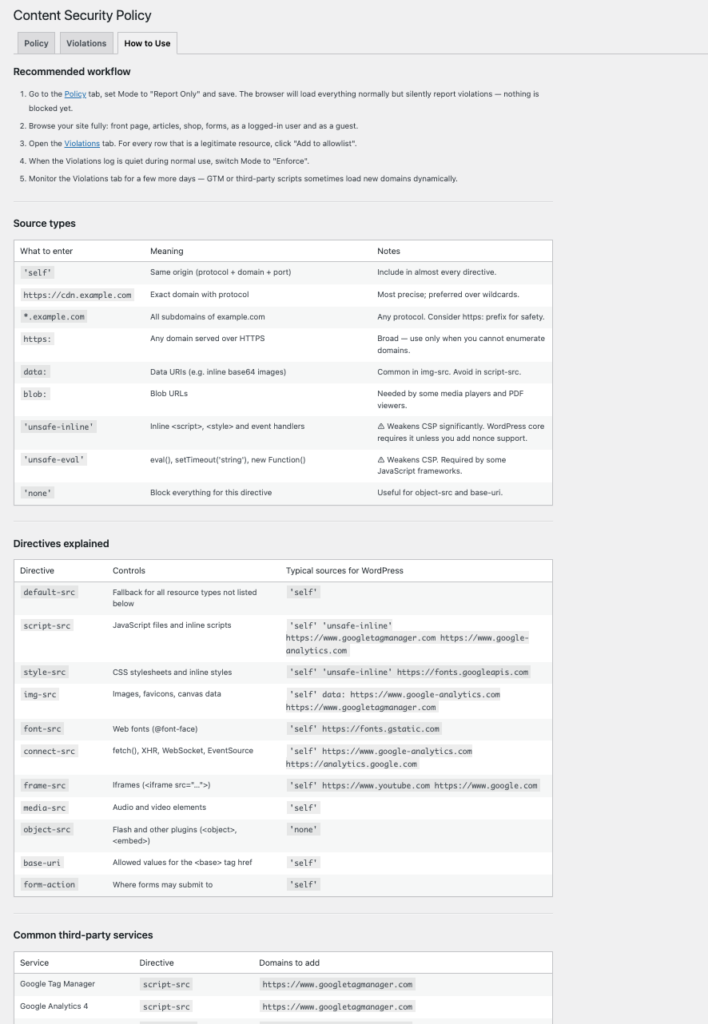
The plugin can be used for discovering and tightening an existing policy, or as a starting point for new projects. It emits both Content-Security-Policy-Report-Only and Content-Security-Policy headers so you can test in Report Only mode before enforcing.
Important! Running in discovery mode on a live site will check every resource against the policy and may generate a large number of violation reports, and could significantly impact performance of the page. Use with caution on high-traffic sites. Prefferably run it for short periods of time whe needed.
Features
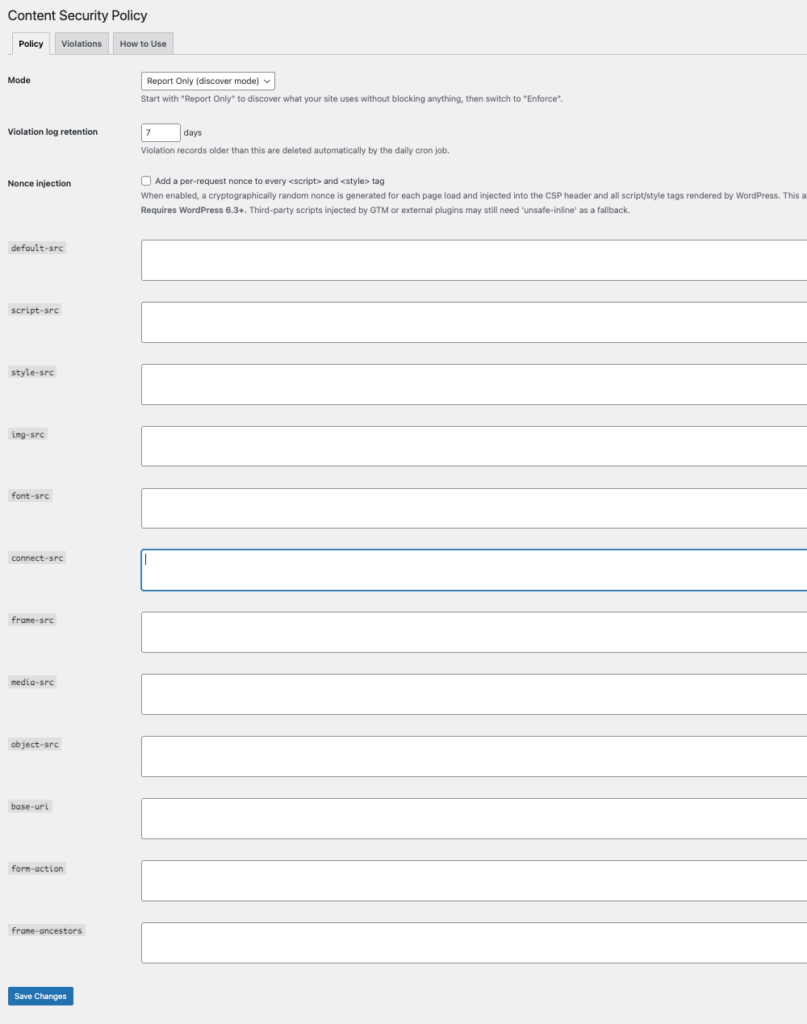
- Three modes — Disabled, Report Only (discover mode), and Enforce.
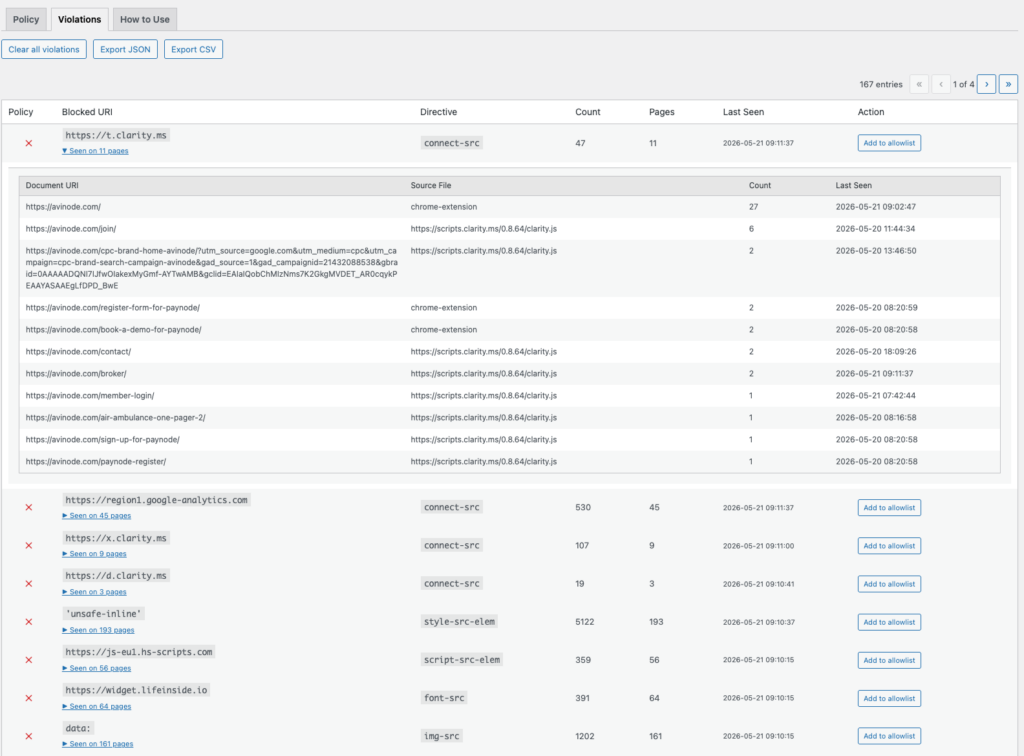
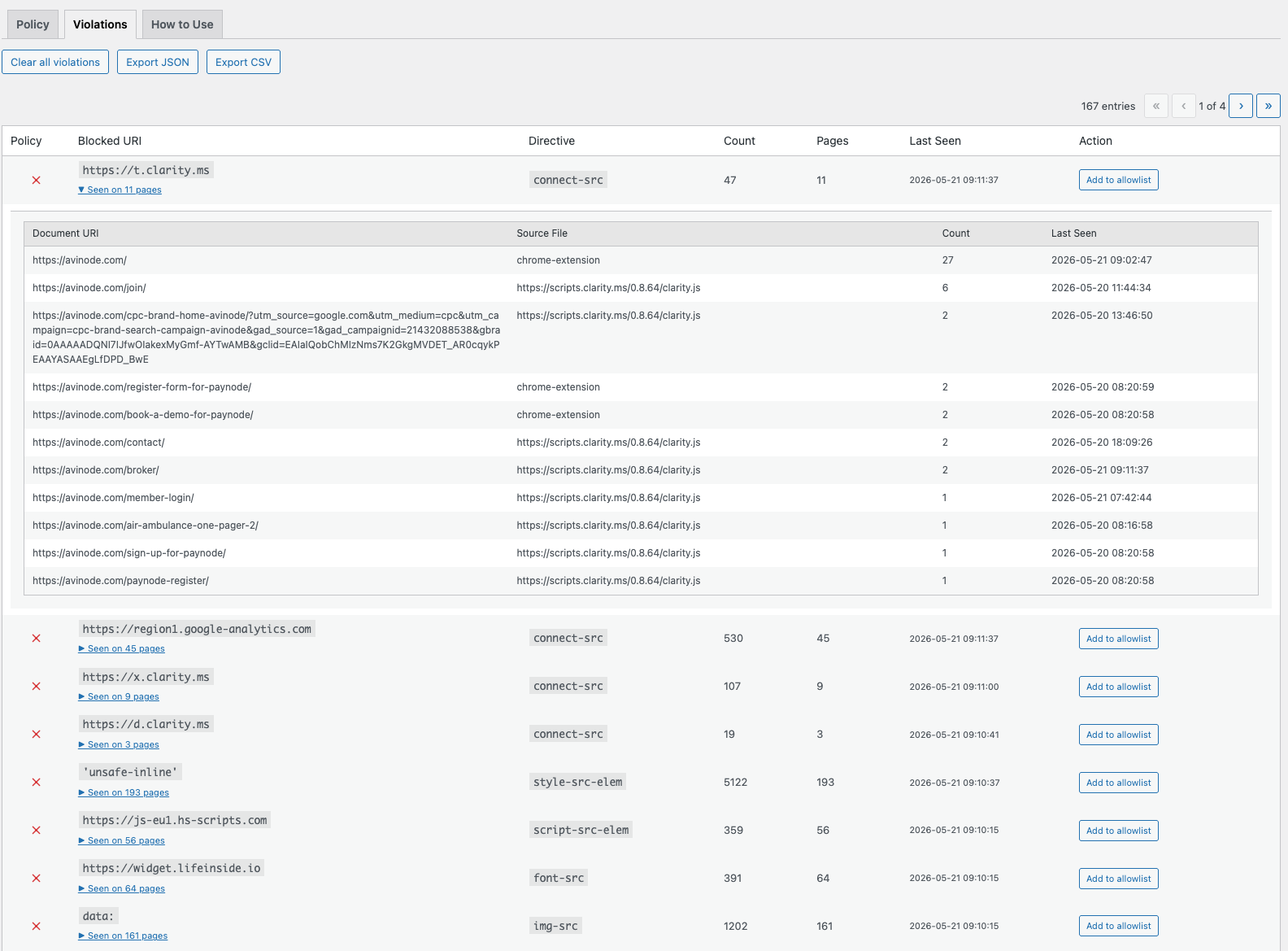
- Violation log — Browsers report blocked resources to a REST endpoint; violations are stored in a custom DB table, grouped by origin and directive, and displayed in the admin UI.
- Add to allowlist — One click adds the blocked origin to the correct directive in your policy.
- Reporting API support — Emits both
report-uri(legacy, Safari ≤15 fallback) andreport-to csp-endpoint(modern batched Reporting API) so browsers buffer and batch violation reports instead of sending one HTTP request per violation. - Nonce injection — Optionally generates a per-request cryptographic nonce, injects it into the CSP header, and adds it to every
<script>and<style>tag rendered by WordPress core APIs (requires WP 6.3+). - strict-dynamic support — Optional. When nonces are enabled,
'strict-dynamic'can be injected intoscript-srcso scripts loaded by nonce-bearing scripts (e.g. GTM tags) are also trusted by modern browsers. - Violation retention — Configurable retention period (1-365 days). Automatic daily cleanup via WP-Cron. Cleanup only runs in Report Only mode — in Enforce mode violations are preserved as a rollback audit trail.
- Export — Download violation log as JSON or CSV.
- Safe defaults — A fresh install ships with a broad but valid starting policy (see Default policy) so Report Only mode produces meaningful reports immediately.
See more info in readme: https://github.com/DekodeInteraktiv/dekode-library/tree/main/library/csp-helper