Category: Plugins

  • Dekode Fields and Columns

    Dekode Fields and Columns

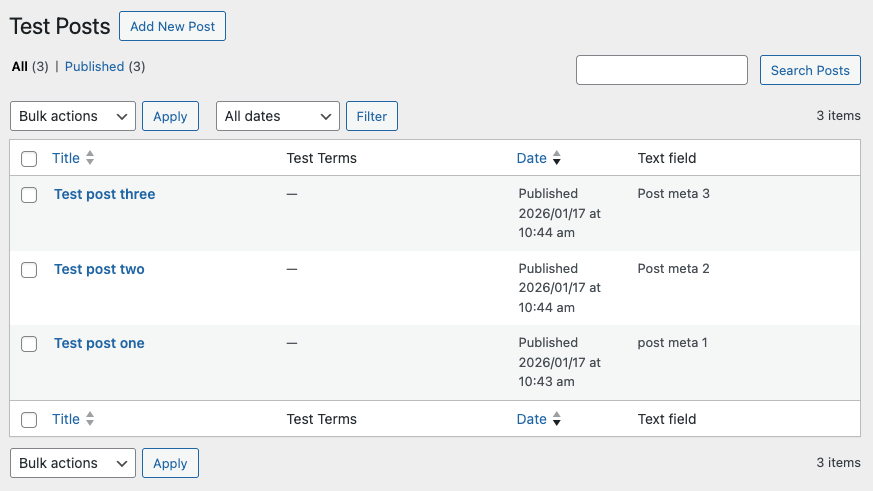
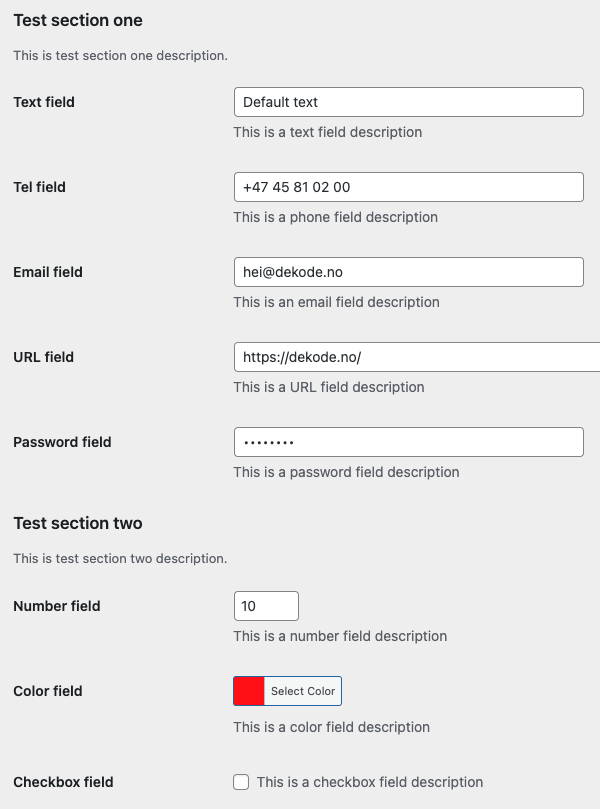
    This plugin generates admin page fields and admin table columns from registered post metaterm metauser meta and settings in WordPress. All you need to do is to add a field or column property when registering meta or setting keys with the native WordPress functions.

    For more details see docs:
    https://github.com/DekodeInteraktiv/dekode-library/tree/main/library/dekode-fields

  • HubSpot Form

    HubSpot Form

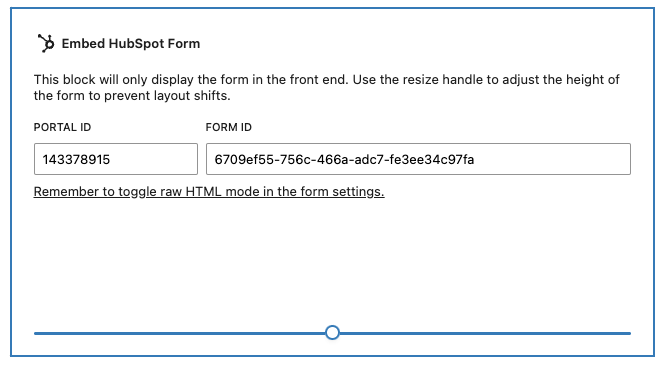
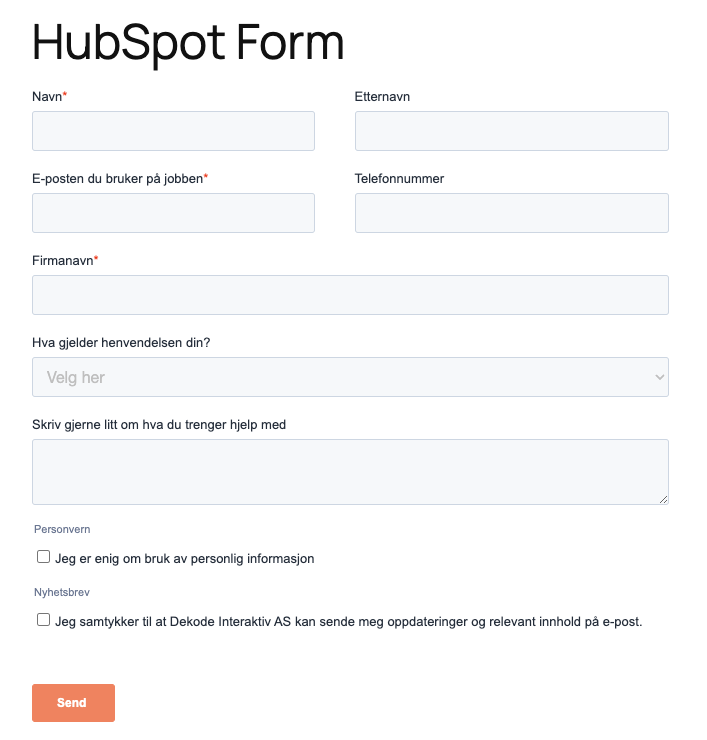
    Easily embed HubSpot Forms without having to enable Custom HTML block to copy paste the script.

    The plugin adds HubSpot block.

    See more info: https://github.com/DekodeInteraktiv/dekode-library/tree/main/library/hubspot-form

  • DK LLMS.txt

    DK LLMS.txt

    A WordPress plugin that generates an llms.txt file for your site, helping AI language models better understand your content.

    Features

    Automatic Generation

    • Generates llms.txt file on-the-fly at /llms.txt
    • Works seamlessly with WordPress Multisite
    • No manual file management required
    • No trailing slash redirects (clean URLs)

    High Performance

    • Smart caching – Content cached for 2 hours using WordPress transients
    • Auto-invalidation – Cache clears when posts are published, updated, or deleted
    • Optimized queries – Uses WP_Query with performance flags (no_found_rows, disabled meta/term caching)
    • Multisite-aware caching – Separate cache per site in multisite networks

    Flexible Configuration

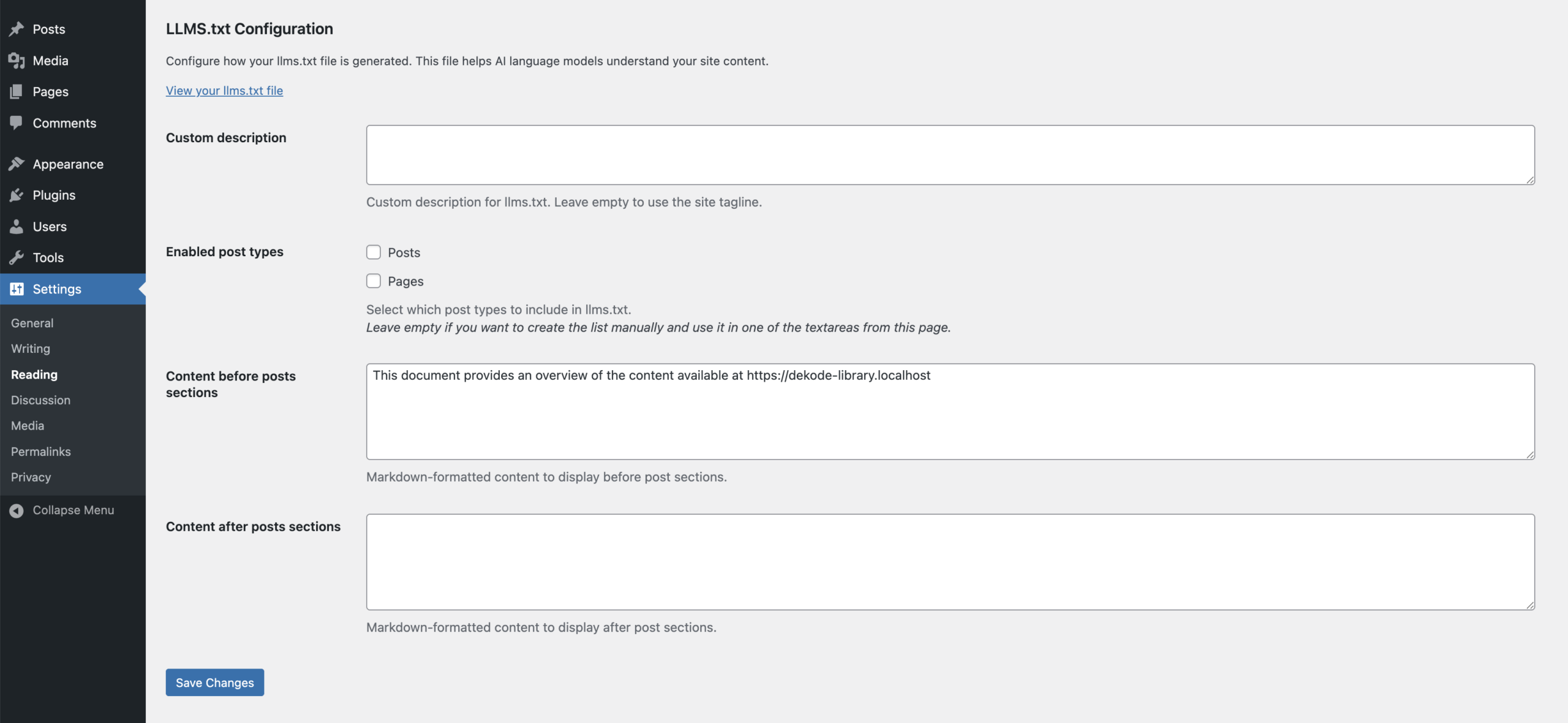
    Configure everything from Settings > Reading > LLMS.txt Configuration:

    • Custom Description – Override site tagline with AI-specific description
    • Post Type Selection – Enable/disable specific post types (pages, posts, custom post types)
    • Before/After Content – Add custom markdown content before and after post sections
    • Automatically discovers all public post types

    Smart Content Output

    • Follows the official llms.txt specification
    • Includes site name, description, and content overview
    • Lists pages and posts with titles, URLs, and clean excerpts
    • Shortcodes stripped – Removes shortcode syntax from excerpts
    • Properly formatted markdown output

    Developer-Friendly

    Multiple filter hooks for customization:

    • dekode_llms_txt_post_types – Modify post types configuration
    • dekode_llms_txt_query_args – Customize query arguments per post type
    • dekode_llms_txt_before_sections – Add content before all sections
    • dekode_llms_txt_after_sections – Add content after all sections
    • dekode_llms_txt_before_post_list – Add content before individual post type lists

    Multisite Support

    Each site in a multisite network gets its own llms.txt file with site-specific content and separate cache.

    For more info see: https://github.com/DekodeInteraktiv/dekode-library/tree/main/library/dekode-llms-txt

  •  Content Security Policy Manager

     Content Security Policy Manager

    A WordPress plugin for discovering, configuring, and enforcing Content-Security-Policy headers. Built for WordPress 6.4+ and PHP 8.1+.

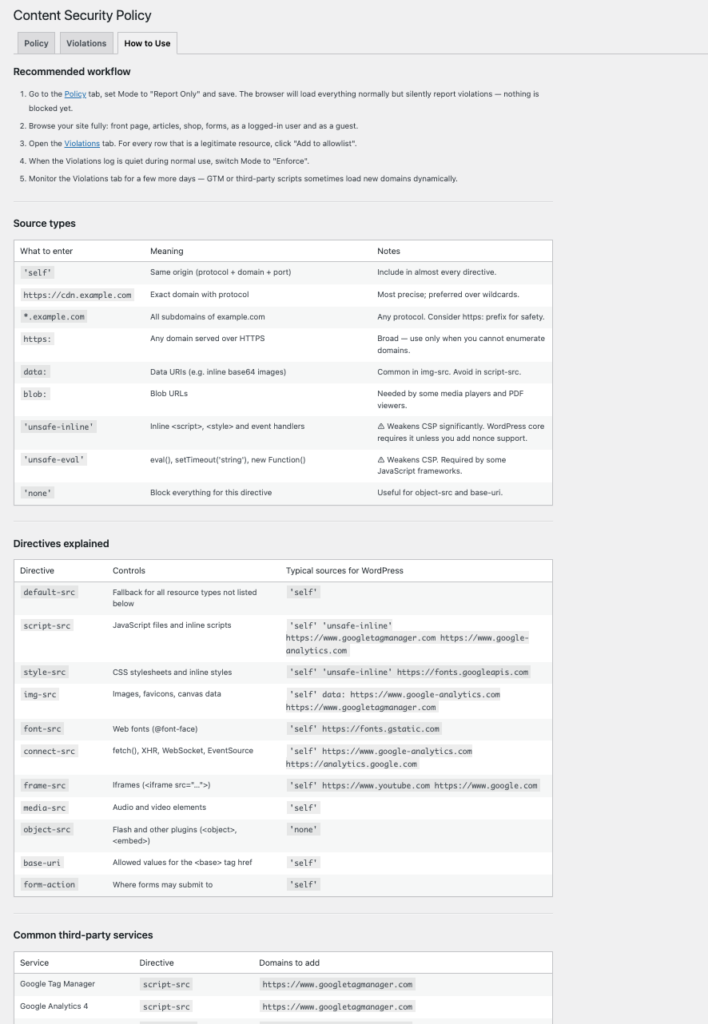
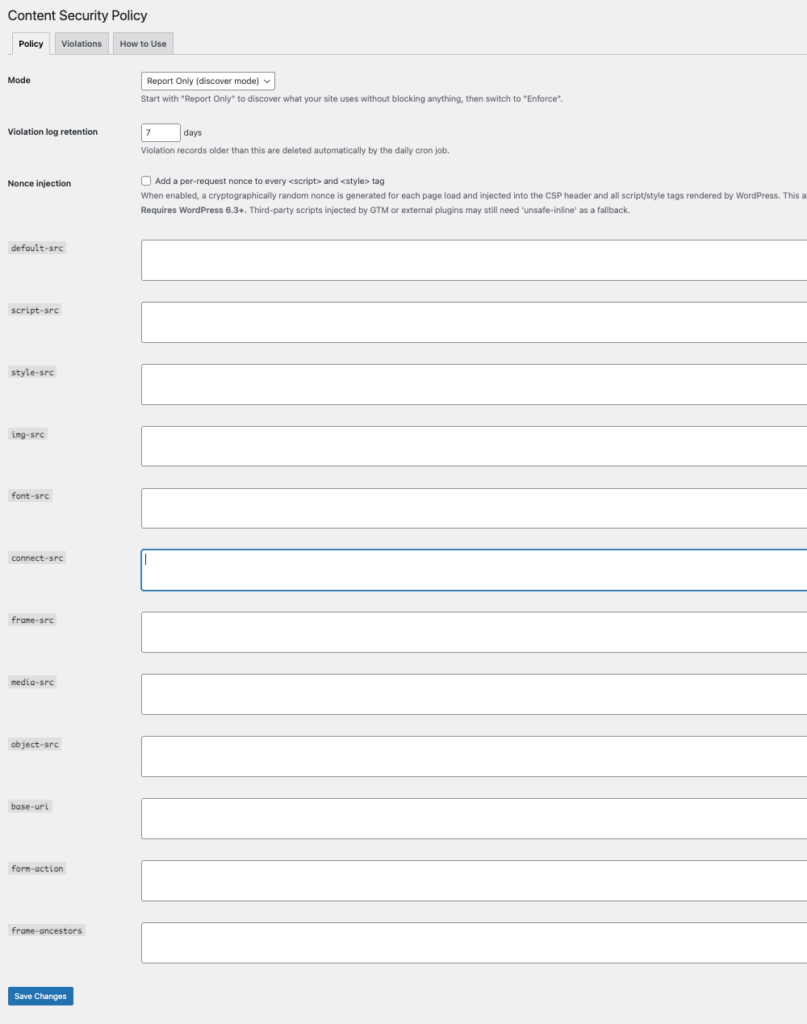
    The plugin can be used for discovering and tightening an existing policy, or as a starting point for new projects. It emits both Content-Security-Policy-Report-Only and Content-Security-Policy headers so you can test in Report Only mode before enforcing.

    Important! Running in discovery mode on a live site will check every resource against the policy and may generate a large number of violation reports, and could significantly impact performance of the page. Use with caution on high-traffic sites. Prefferably run it for short periods of time whe needed.

    Features

    • Three modes — Disabled, Report Only (discover mode), and Enforce.
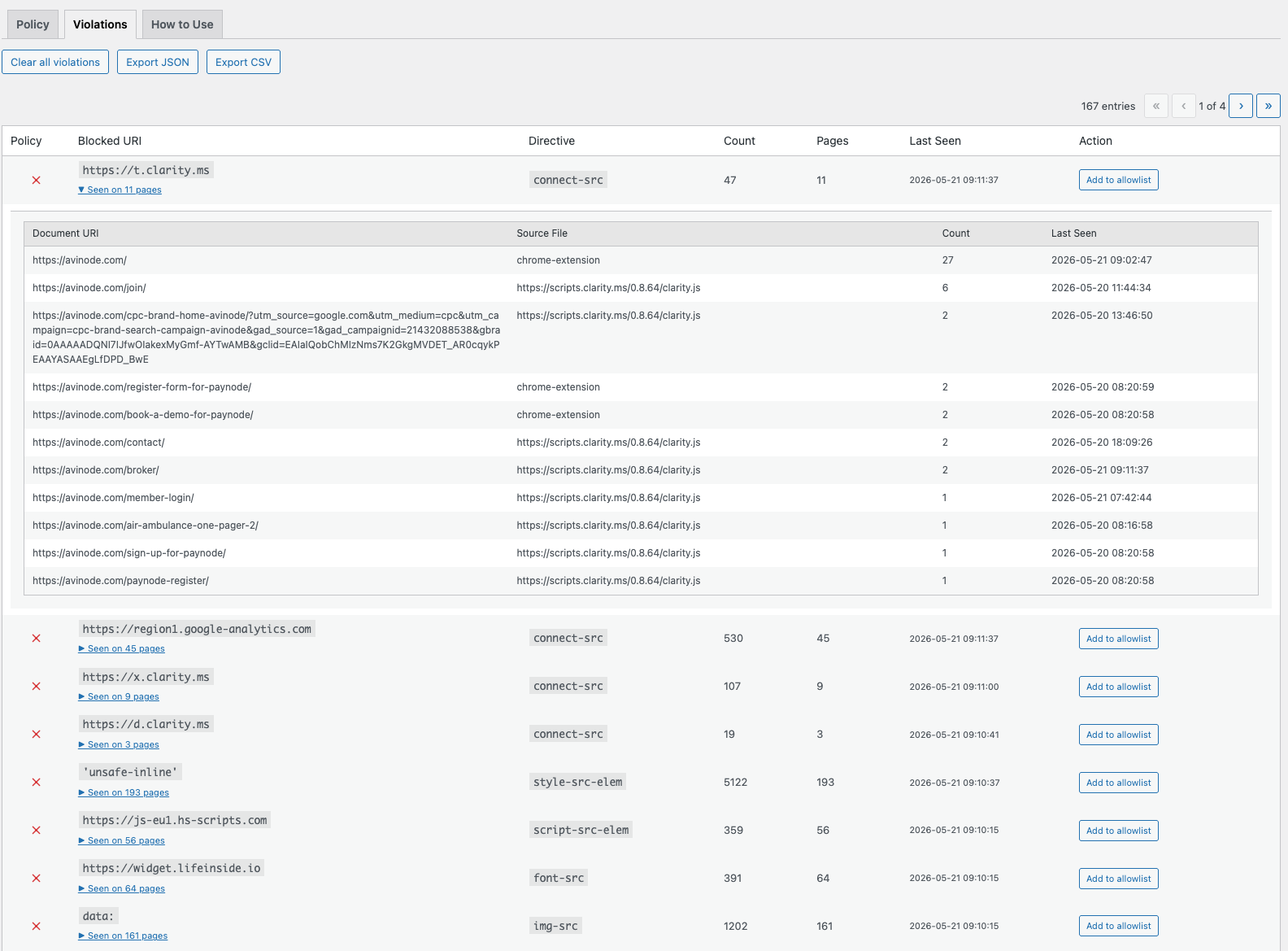
    • Violation log — Browsers report blocked resources to a REST endpoint; violations are stored in a custom DB table, grouped by origin and directive, and displayed in the admin UI.
    • Add to allowlist — One click adds the blocked origin to the correct directive in your policy.
    • Reporting API support — Emits both report-uri (legacy, Safari ≤15 fallback) and report-to csp-endpoint (modern batched Reporting API) so browsers buffer and batch violation reports instead of sending one HTTP request per violation.
    • Nonce injection — Optionally generates a per-request cryptographic nonce, injects it into the CSP header, and adds it to every <script> and <style> tag rendered by WordPress core APIs (requires WP 6.3+).
    • strict-dynamic support — Optional. When nonces are enabled, 'strict-dynamic' can be injected into script-src so scripts loaded by nonce-bearing scripts (e.g. GTM tags) are also trusted by modern browsers.
    • Violation retention — Configurable retention period (1-365 days). Automatic daily cleanup via WP-Cron. Cleanup only runs in Report Only mode — in Enforce mode violations are preserved as a rollback audit trail.
    • Export — Download violation log as JSON or CSV.
    • Safe defaults — A fresh install ships with a broad but valid starting policy (see Default policy) so Report Only mode produces meaningful reports immediately.

    See more info in readme: https://github.com/DekodeInteraktiv/dekode-library/tree/main/library/csp-helper

  • Chatbase integration

    Chatbase integration

    What it does

    There are 2 features provided by this plugin:

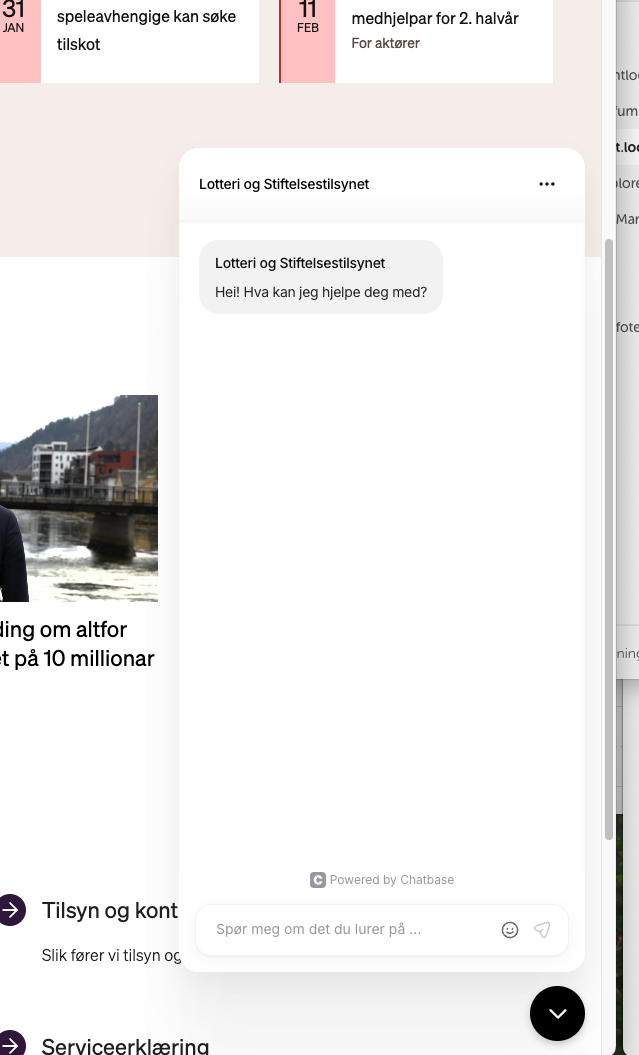
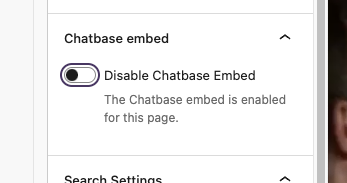
    • Add the chat bubble embed on the page.
      • This can be enabled or disabled per page. This can be adjusted in the page settings in the editor.
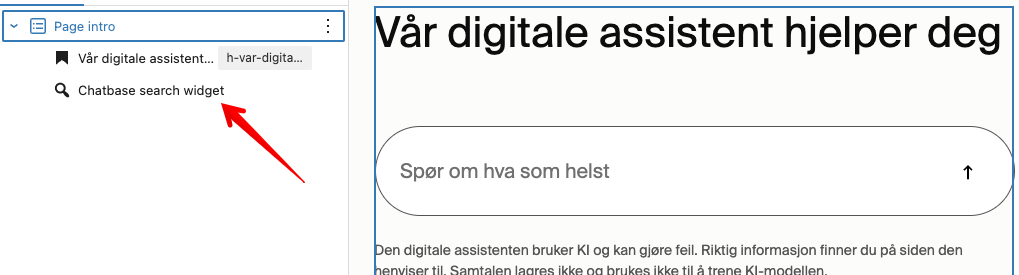
    • Adds Chatbase search widget Gutenberg block. This will place a search widget on the page that connects to the Chatbase chatbot.

    For more info see readme https://github.com/DekodeInteraktiv/dekode-library/tree/main/library/dekode-chatbase

  • Better Core iframes

    Better Core iframes

    Features:

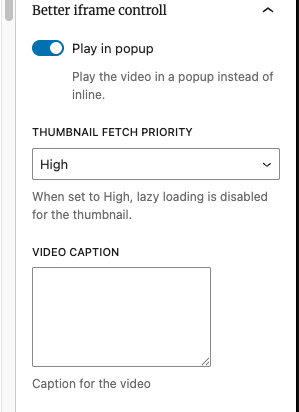
    • Play in popup
    • Load iframe on demand – Iframes are no longer added to the HTML, they are embedded only when user click button, reducing loads
    • Fetch priority for thumb, when iframe is placed on top of the page it is important to set fetch priority to avoid bad LCP. This plugin allows to do this
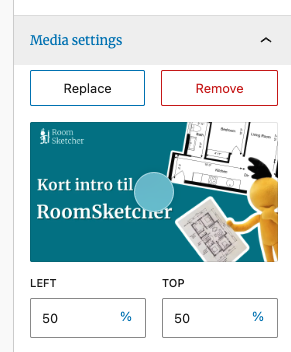
    • By default plugin will fetch the thumb from YT/Vimeo and Dailymotion, but user can set their own.
    • Video caption – this is text displayed below (if not styled differently)

    Customization

    The block contains few PHP hooks for customization e.g for button if needed, all of which is described in [readme.md]

    NOTE: Plugin haven’t been tested with Dekode GTM iFrame CookieBot blocking feature yet!
    So may not “block” iframes as expected.

  • Toggle block

    Toggle block

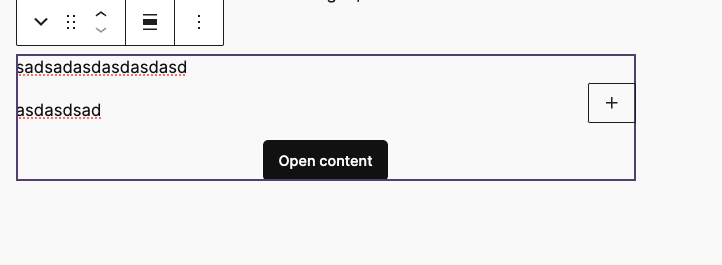
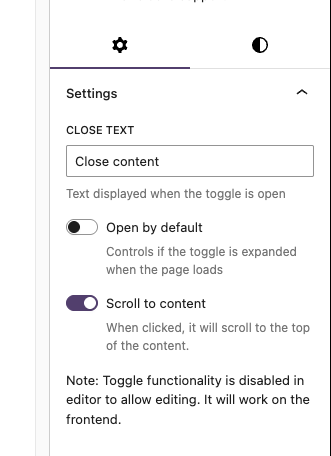
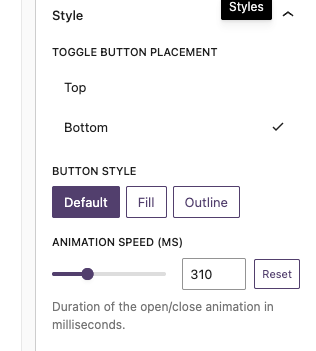
    Simple blocs to toggle visibility of content.

    Block example:

    T2 Facta

    The block is slightly different.

    Facta

    Lorem ipsum dolor sit amet, consectetur adipiscing elit. Etiam cursus consequat enim, eu rhoncus nibh. Praesent tempor ex elit, eget finibus nibh maximus ac. Donec vehicula ultrices augue, ac efficitur tortor.

    Lorem ipsum dolor sit amet, consectetur adipiscing elit. Etiam cursus consequat enim, eu rhoncus nibh. Praesent tempor ex elit, eget finibus nibh maximus ac. Donec vehicula ultrices augue, ac efficitur tortor.

    Features

    For up to date details see https://github.com/DekodeInteraktiv/dekode-library/tree/main/library/dekode-toggle-blocks

    – T2 icons for open close

    "dekode-library/toggle-blocks": {
    	"icons": {
    		"open": "chevronDown",
    		"close": "chevronUp"
    	},
    	"iconPosition": "right"
    }

    – Custom open/close events for tracking :

    • dekode/toggle:open
    • dekode/toggle:close
    document.addEventListener('dekode/toggle:open', (e) => {
        gtag('event', 'toggle_open', {
            toggle_id: e.detail.blockId,
            toggle_label: e.detail.label,
        });
    });
    
    document.addEventListener('dekode/toggle:close', (e) => {
        gtag('event', 'toggle_close', {
            toggle_id: e.detail.blockId,
            toggle_label: e.detail.label,
       

    – Toggle visibility of content blocks

    – Accordion style toggles

    – Customizable toggle labels

    – Accsessible and keyboard-navigable

    – Supports library.json config (see example below).

    – Auto variation registration via Dekode Library Config.

    – Anchor support.

    – Accesibility and keyboard navigation support.

    library.json example

    	"dekode-library/toggle-blocks": {
    		"settings": {
    			"allowedInnerBlocks": ["core/paragraph", "core/image", "core/heading", "core/list"],
    			"template": [["core/image", {}]],
    			"templateLock": false
    		},
    		"variations": {
    			"tester": {
    				"name": "mega-tester",
    				"title": "Mega toggler",
    				"icon": "media-video",
    				"description": "A mega slide.",
    				"settings": {
    					"allowedInnerBlocks": ["core/image", "core/paragraph", "core/list"],
    					"template": [["core/image", {}], ["core/list", {}]],
    					"templateLock": true
    				},
    				"attributes": {
    					"togglePlacement": "top"
    				}
    			}
    		}
    	}

  • Carousel wrapper

    Carousel wrapper

    Basic example

    A wrapper block to make an easy carousel with your desired inner blocks. It will make a wrapper block, a slide block and then you can choose the innerblock. It will automatically add swiper pagination and navigation. The navigation buttons is the t2 chevron left and right.

    Note: This is a very barebone style block, and you will need to style it yourself. It will just generate the functionality.

    Define in your theme.json what inner blocks you want to allow and what the default template should be. If you want multiple carousels with different innerblocks you can create a blockVariation, and define the values in the carousel-wrapper block attributes.

    Everything you define in the block attributes will override the theme.json settings.

    The UX

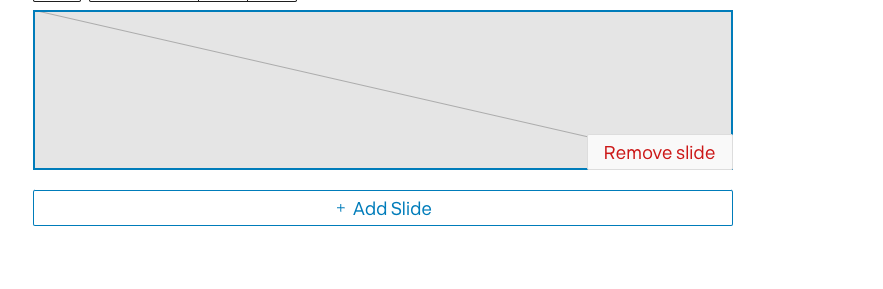
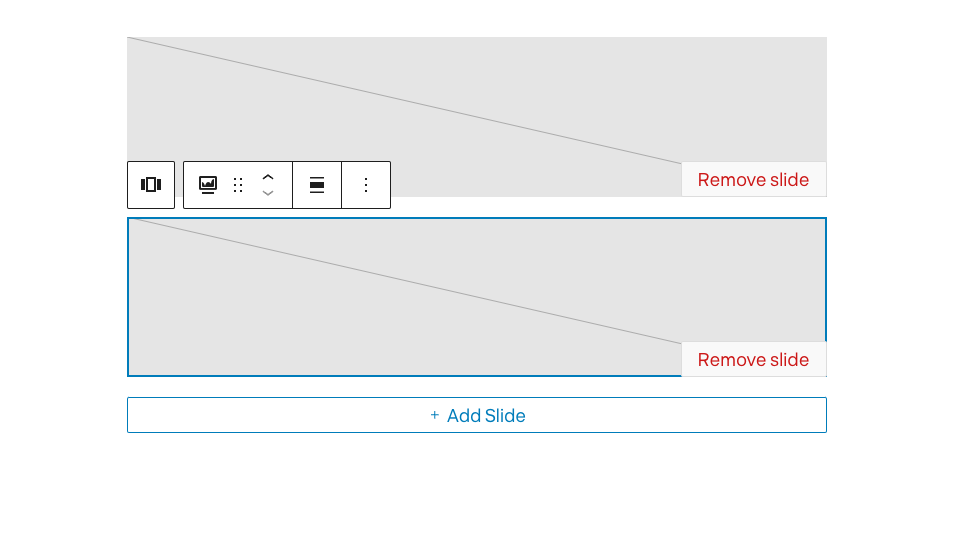
    UI is simply optimized to show add/remove slide when focused.

    The wrapper has easy to access ADD next slide button

    Carousel only when focused will show the all slides.

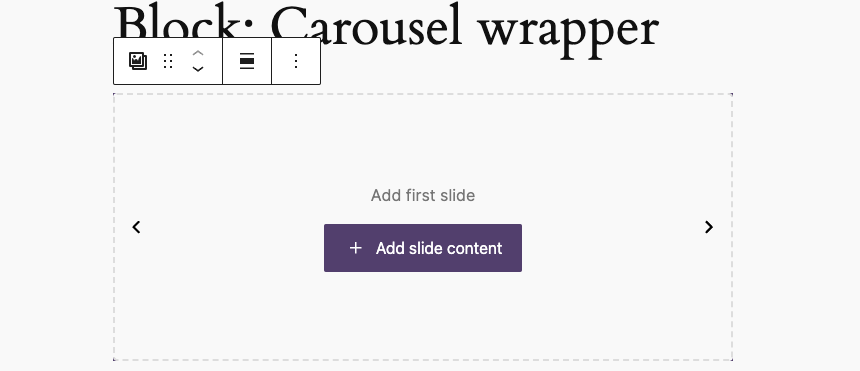
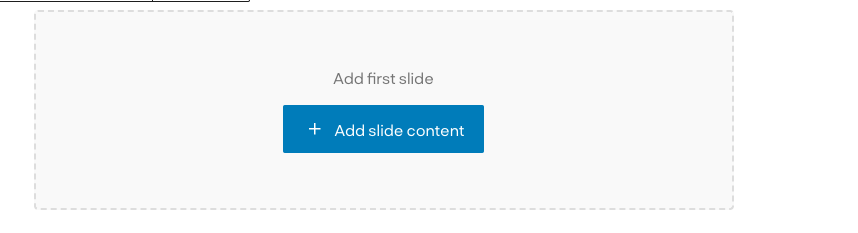
    When no slides are available there is a screen to add first slide:

    Variations

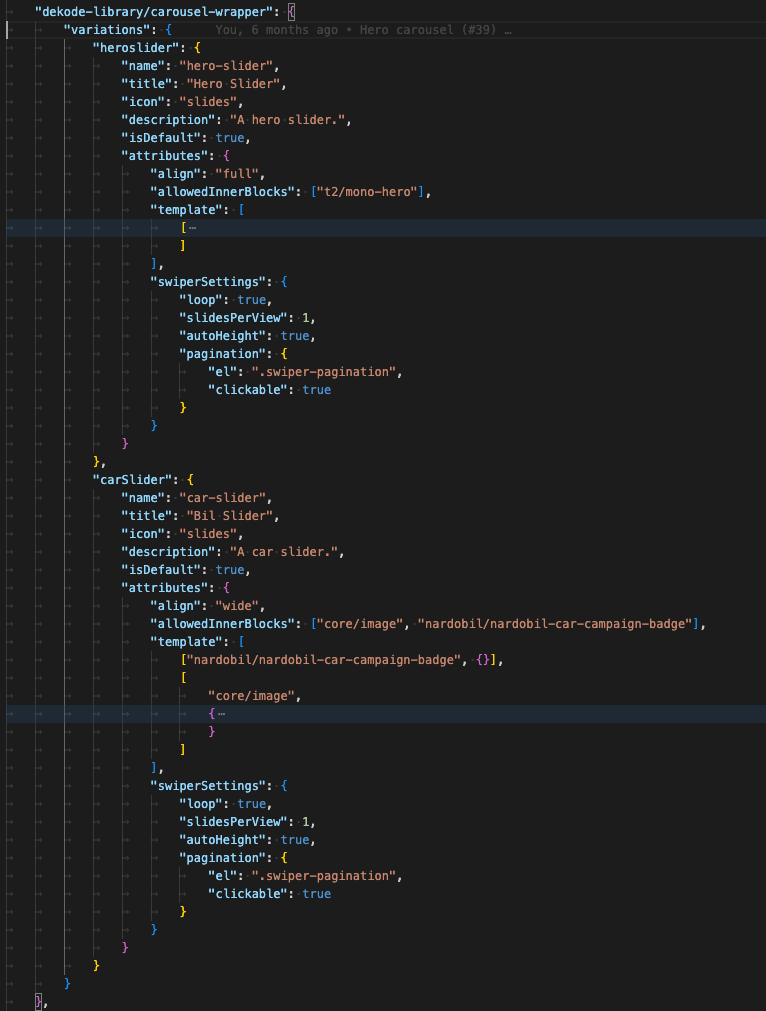
    The carousel support register variation from theme.json.

    Each variation can have it’s own unique features/settings.

    Each variation will have extra class to hook styling.

    This way you can have multiple unqie sliders on one page using single block.

    The variation’s settings are read from library.json not from attributes, which make it easy to change later if there is need to.