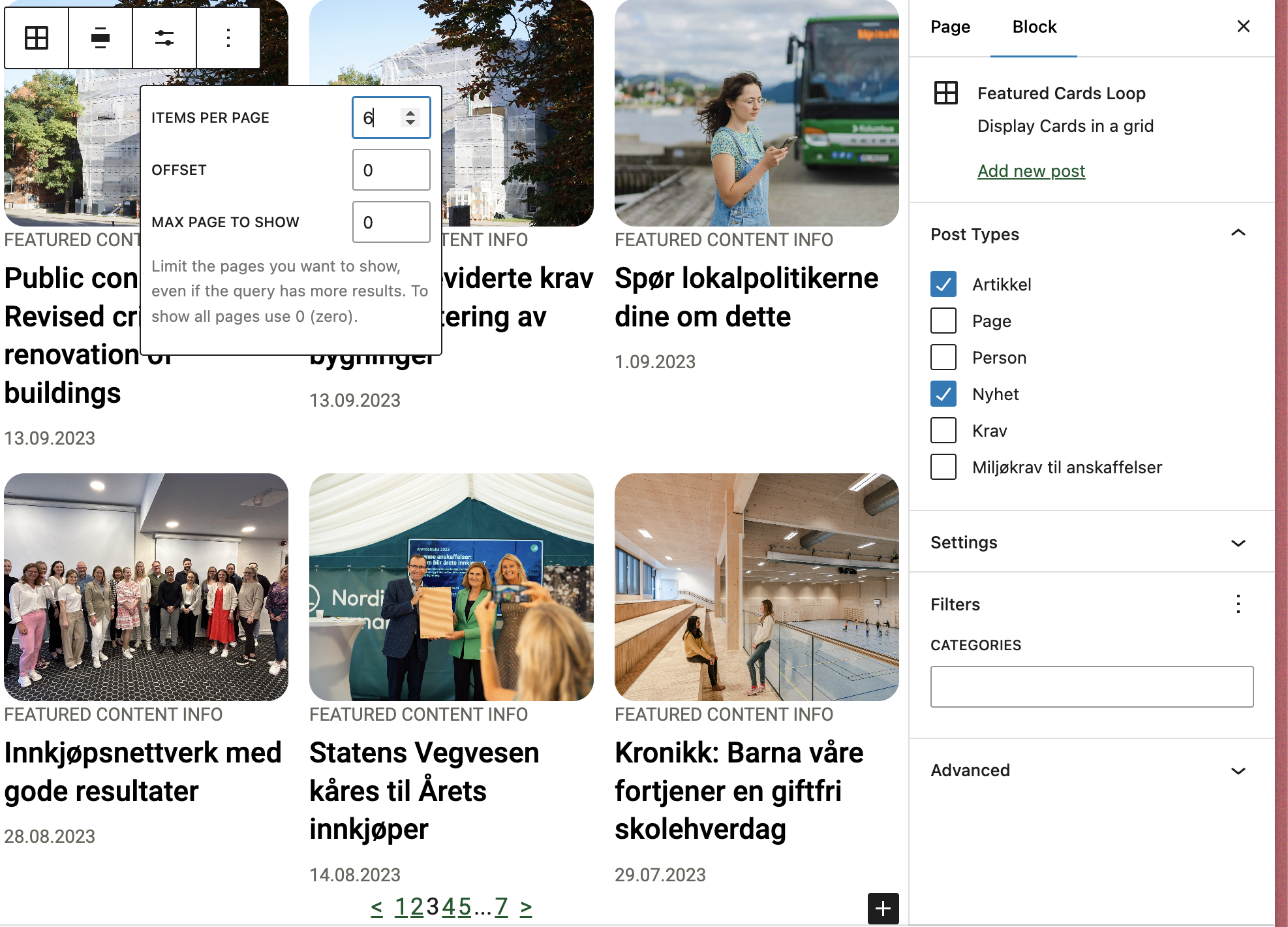
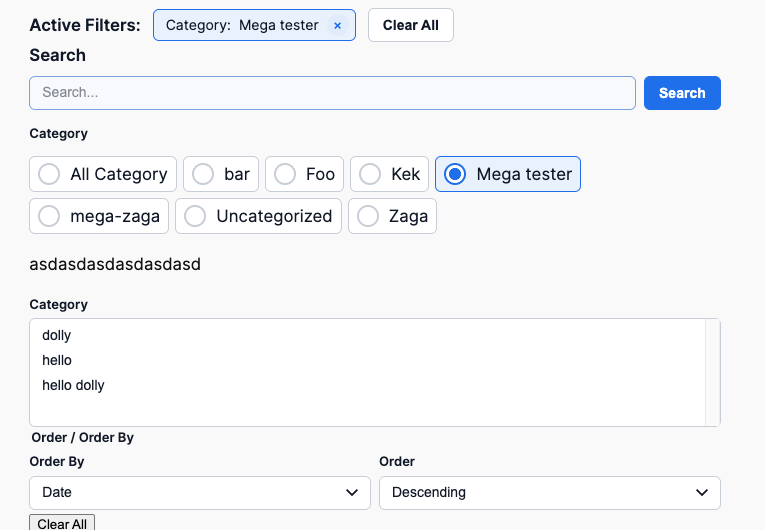
Overrides the query loop block to work with T2 while also removing clutter. Supports multiple post types. Customizable through library.json.
Customizing the block
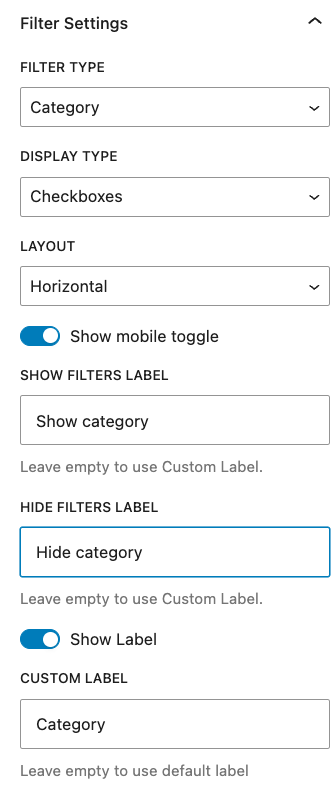
This block can be customized using the library.json file. The following options are available:
__experimentalMultiplePostTypes (bool): Whether to allow multiple post types. Default: false.
template (array): The innerblocks template.
allowedControls (array): The allowed controls for the block See list, To see the post per page use postCount to see full list of available controls see the code as documentation is not complete Link
defaultQuery (array): The default query for the block.
defaultVariationTitle (string): The title that will be outputted for the block.
defaultVariationDescription (string): The description that will be outputted for the block.
allowedColumns (array): The allowed columns for the block.
A WordPress plugin that provides blocks and block variations for rendering post properties, term properties, and meta fields directly in the block editor and on the front end. Per Egil Roksvaag is the owner of this plugin and responsible for maintenance and support.
Reason Why
WordPress ships with a set of post blocks (core/post-title, core/post-excerpt, core/post-featured-image, etc.) and a similar set of term blocks (core/term-name, core/term-description, core/term-archive-link, etc.). Use these core blocks whenever they cover your needs.
However, there are some cases where the core blocks fall short and you need enhanced features for displaying post, term or meta data:
Meta fields — Display registered post or term meta fields.
Additional properties — Show post and term properties not covered by core blocks, e.g. post type, post status or taxonomy name.
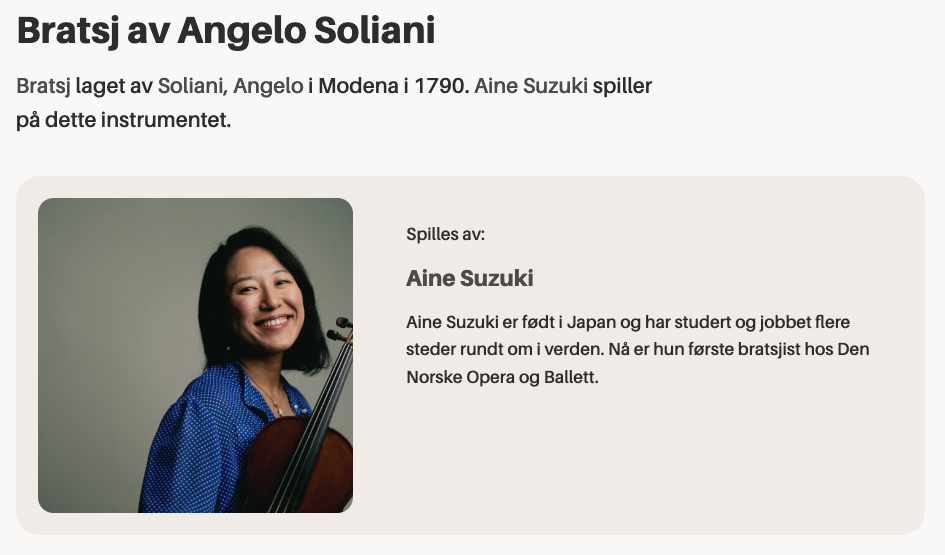
Display a post’s terms — Show term properties related to the current post in a term query loop or a single post template.
Display a term’s posts — Show post properties related to the current term in a term query loop or a single term template.
Post or term buttons — Render a post, term or meta field as a core button with dynamic text and link.
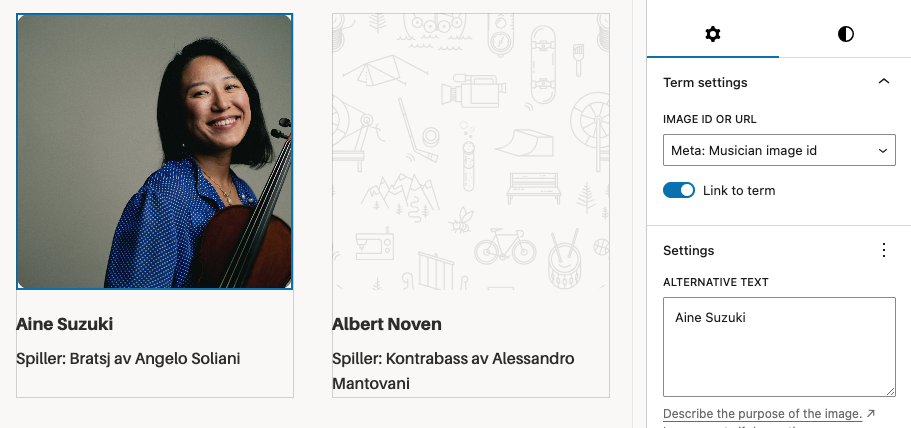
Post or term images — Render a post, term or meta field as a core image. In contrast to the core featured image block, it can display a fallback image when no featured image is set.
Filters and hooks — Backend and editor hooks for displaying custom properties or modifying the output.
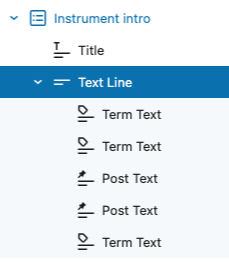
This plugin also provides a Text Group helper block for combining multiple post or term properties into a single line of text. Inside the group, you can use the included Inline Text block to insert static text or separators between the dynamic properties.
Blocks and Variations
dekode-library/post-property-text
Renders a single post property — title, excerpt, date, author, type, status, slug, link, featured image ID, or any meta field — as text. Supports prefix, suffix, separator, tag name, text alignment, and optional linking to the post. Server-side rendered.
dekode-library/term-property-text
Renders a single term property — name, description, archive link, slug, ID, count, taxonomy name, or any meta field — as text. Supports prefix, suffix, separator, tag name, text alignment, and optional linking to the term archive. Server-side rendered.
dekode-library/text-group
A layout container block for grouping multiple text property blocks. Supports inline and block layouts with configurable gap. Inner inline-text blocks can be nested freely within the group.
core/button — Post Property and Term Property variations
Two variations of the core Button block that replace button text and the link URL with a resolved post or term property. The button text and link are rewritten server-side via WP_HTML_Tag_Processor, preserving all block markup and editor styles.
core/image — Post Property and Term Property variations
Two variations of the core Image block that replace the image source with a resolved post or term property (e.g. featured_media or a meta URL field). Server-side rendered.